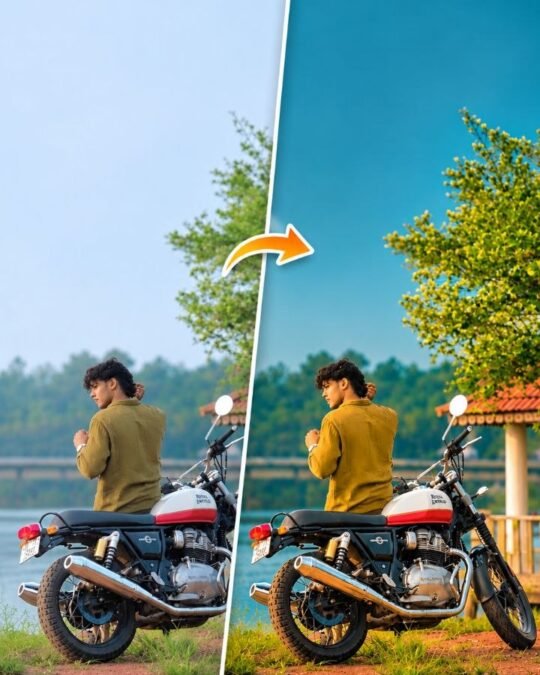
Cinematic Teal & Warm Color Grading | Before vs After AI Photo Editing
November 17, 2026
📋 AI Prompt
Apply premium Teal & Warm cinematic grading inspired by wedding photography. Create rich, vibrant colors, subtle teal shadows, deep greens and warm golden highlights. Enhance color depth and contrast. Keep blacks detailed, highlights soft, whites clean and skin tones realistic. Avoid oversaturation. Adapt grading to each photo’s lighting.STRICTLY PRESERVE every person’s exact face, identity, features, expression, skin texture, body, hair, clothes, jewellery and pose. Do not retouch, smooth, reshape or regenerate faces. Do not add, remove or change any person, object, clothing or background. Preserve original composition, framing, perspective and details. ONLY adjust color, white balance, exposure, contrast, highlights, shadows, vibrance and saturation. No generative edits. Deliver a rich, professional DSLR-quality photo. Premium finish.

How to Use
- Tap Copy Prompt to copy the full prompt
- Open Google Gemini or ChatGPT and upload a clear photo of yourself
- Paste the prompt and send it to generate your image
- Not perfect? Regenerate or change colours, outfit or background words